
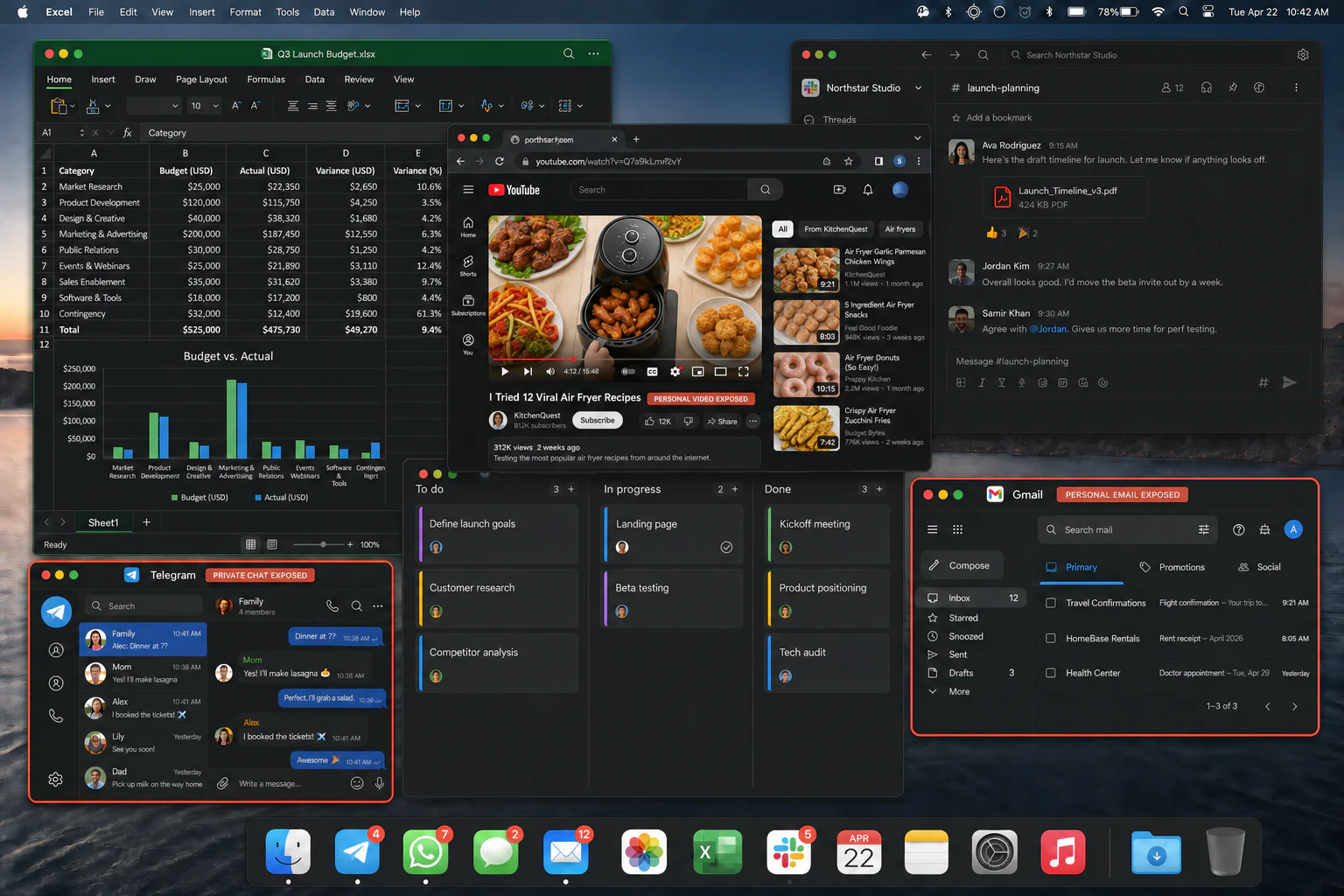
!Private messages
A chat lands mid-call.
Names, previews, and whole conversations can be visible before you react.
● A private audience window for Mac
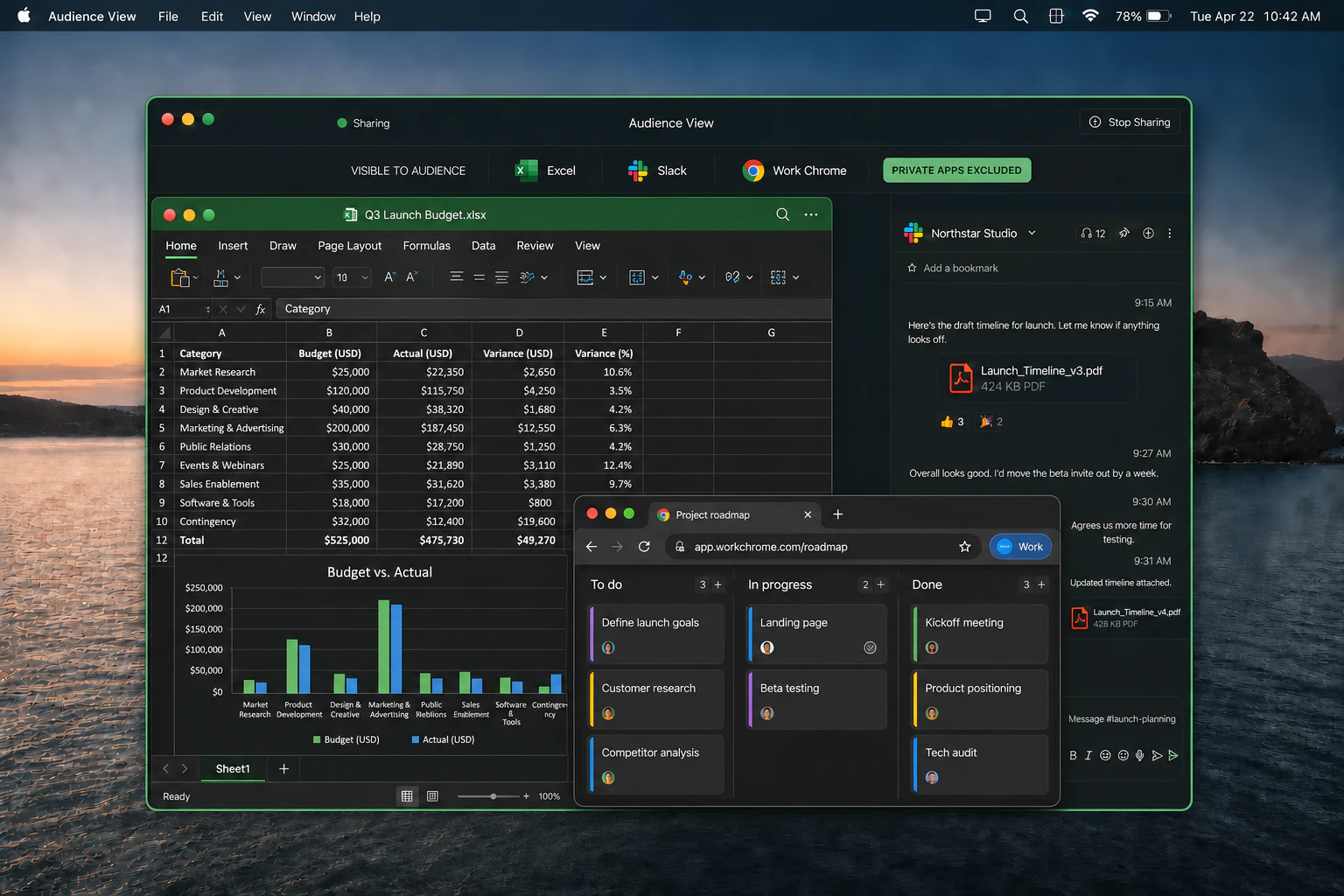
Choose which apps and Chrome profiles may appear. Then share one protected window in your call.
7-day free trial No card required macOS 14+
 Zoom
Zoom Slack
Slack Google Meet
 Microsoft Teams
 Loom
LoomOne wrong share is enough
A private message, personal email, or unread badge can enter the meeting before you notice. ScreenK9 puts a hard boundary between your desktop and the call.
Accounts, subject lines, and attachments do not need another click to leak.
Recipes, guilty watches, and recommendations can become part of the presentation.
Everything else stays open and usable on your Mac—just invisible to the audience.
 ExcelSlack
 WWork Chrome
Choose Audience View in Zoom, Slack, Meet, Teams, or Loom.
Keep chatting and checking mail. Your audience never sees those windows.
Audience View is rendered locally on your Mac.
Free Chrome Companion
Install the companion in each Chrome profile and mark it Work or Personal. ScreenK9 keeps personal and unverified Chrome windows out of Audience View.
Simple, local-first pricing
One ScreenK9 1.x license covers 3 Macs. The Chrome Companion is included free, and captured screen content stays on your Mac.